The disposable camera app for Filipino weddings
Every guest scans the QR on their table, checks in with their name and gets 10 shots. No film, no app to download. The photos land in your album and on the venue's screen as they're taken. Works for debuts and parties too.
- Event Snaps is on Pro, ₱1,299 per event
- No app for guests
- Photos the same night
Migo & Bea
Saturday, 13 March 2027
7 shots remaining




 Plan your event at

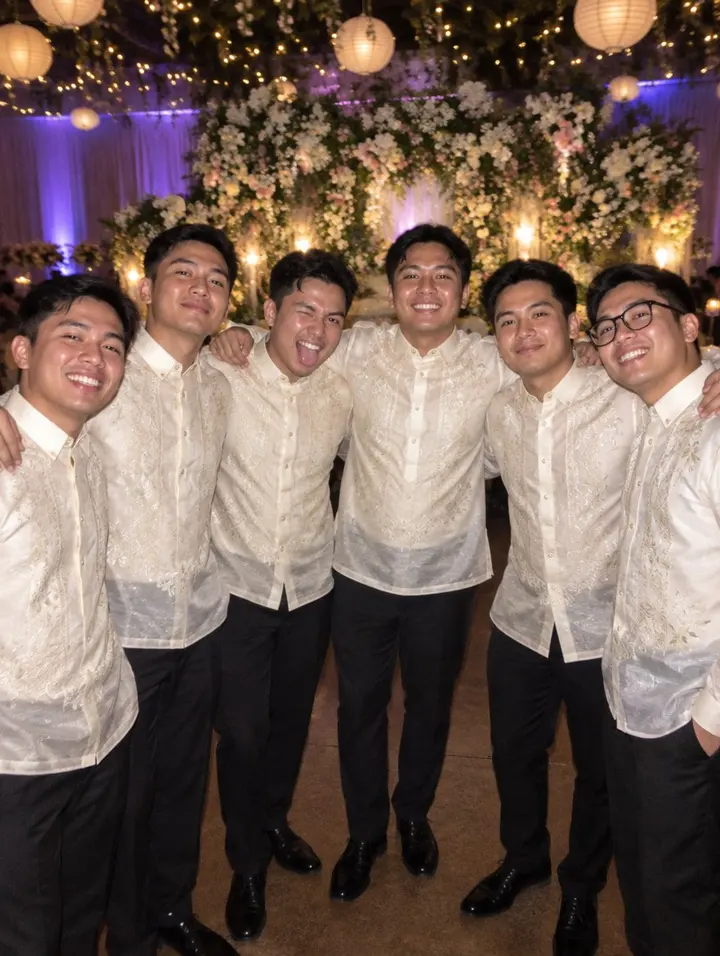
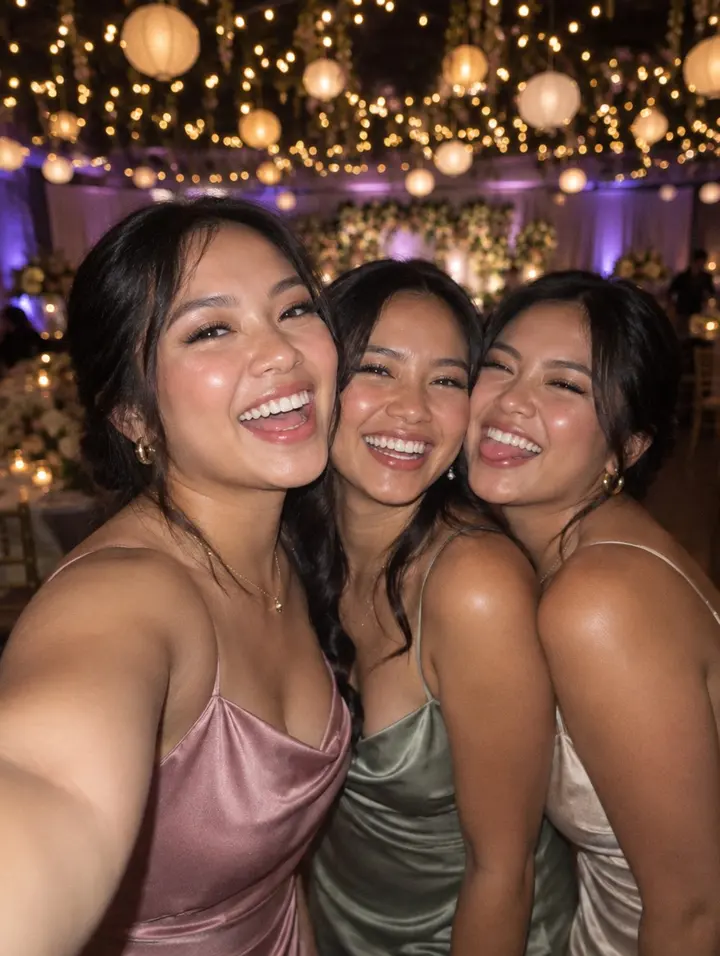
The live wall on the venue's LED screen
Each new snap fades in as a guest takes it, with their name and the time in the corner, and a QR for the next guest to scan. The venue's AV team opens one link full screen and leaves it running.
Photos are staged. A real wall shows your guests' own snaps.




How it runs on the day
Set it up the week before. On the day, the coordinator only points at the QR.
-
01
A QR on every table
Print one card per table or one on the welcome board. The link is in your invite too.
No app, no account. It opens in the same browser as Messenger.
-
02
Guests check in by name
They pick themselves from your guest list. Not on it? They join as a walk-in, so nobody at the party is left without a camera.
Every photo is credited, so you know who took what.
-
03
10 snaps, then it's done
A counter shows what's left. At zero the camera closes, like the last click of a roll.
People think before they shoot: the toast, the first dance, Lola on the dance floor.
-
04
Everything in one album
Browse by guest, hide what you'd rather keep private, download it all as a zip.
Share the gallery link with the family the next morning.
Setting it up for the first time? Read how Event Snaps works, with the QR cards
Event Snaps vs disposable cameras vs a photo booth
Peso prices as quoted in Cebu and Manila, November 2026.
| Feature | Event Snaps | Disposable cameras | Photo booth |
|---|---|---|---|
| Cost for 150 guests | ₱1,299 (part of Pro) | ₱6,000 to ₱10,000 plus developing | ₱3,500 to ₱8,000 for 3 to 4 hours |
| Photos the same night | A week later | Prints only | |
| Covers the whole room | Only tables with a camera | One corner | |
| Who took each photo | |||
| Live wall on the screen |
A photo booth is still lovely; many couples run both. Event Snaps replaces the disposable cameras, not the booth.
Pro plan
₱1,299
once per event, not per guest
- Event Snaps, 10 shots per guest
- The live photo wall
- Unlimited guests
- Everything in Plus
Event Snaps is part of Pro
Free
RSVP page and guest list for 20 guests. Your event page previews the album with your own guests' names, so you can see Snaps before you pay.
Plus, ₱499
150 guests, all 27 styles and a gift goal. No Event Snaps.
Event Snaps questions
Do guests have to download an app?
No. They scan the QR on the table or tap the link in your invite, type their name to check in against your guest list, and the camera opens in their phone's browser. It works on any phone that can open Messenger.
Is there a free disposable camera app for weddings?
Event Snaps comes with the Pro plan (₱1,299, paid once per event), which also removes the guest cap and adds the public sign-up link. There is no per-guest or per-photo fee, and the sample wall on this page is free to look at any time.
How many photos can each guest take?
Ten shots per guest, like a real disposable camera. The limit is what makes people think before they shoot, so you get the sponsor's toast and the lola on the dance floor instead of 400 blurry frames. You see the total allowance on your event page.
What if someone who isn't on the list scans the QR?
They join as a walk-in: they type their name, get the same 10 shots, and show up on your guest list tagged Walk-in, so you know who took every photo. Anything you'd rather not show, you can hide from the wall.
Can I hide a photo from the wall?
Yes. Every photo lands in your album first. Hide anything you'd rather not show and it leaves the live wall and the guest gallery at once; unhide it later if you change your mind.
Does it work for a debut, binyag or company party?
Yes. The camera, album and wall are the same for any event. Use the public link on Pro so classmates or employees can check in without being added one by one.
How do I get all the photos afterwards?
Download the album as a zip from your event page, or ask for an export and we email you the link. Photos are stored at full phone resolution.
Give every guest a camera
Start free, preview your album, and switch Snaps on with Pro before the day.
Start free