Corporate event invitation and RSVP for company parties and launches
One public link in the company group, a headcount by department before the venue's deadline, tables you can print for the registration desk, and a live photo wall for the year-end party. No per-seat pricing.
- Free for up to 20 guests
- No app for guests
- Shared on Messenger and Viber
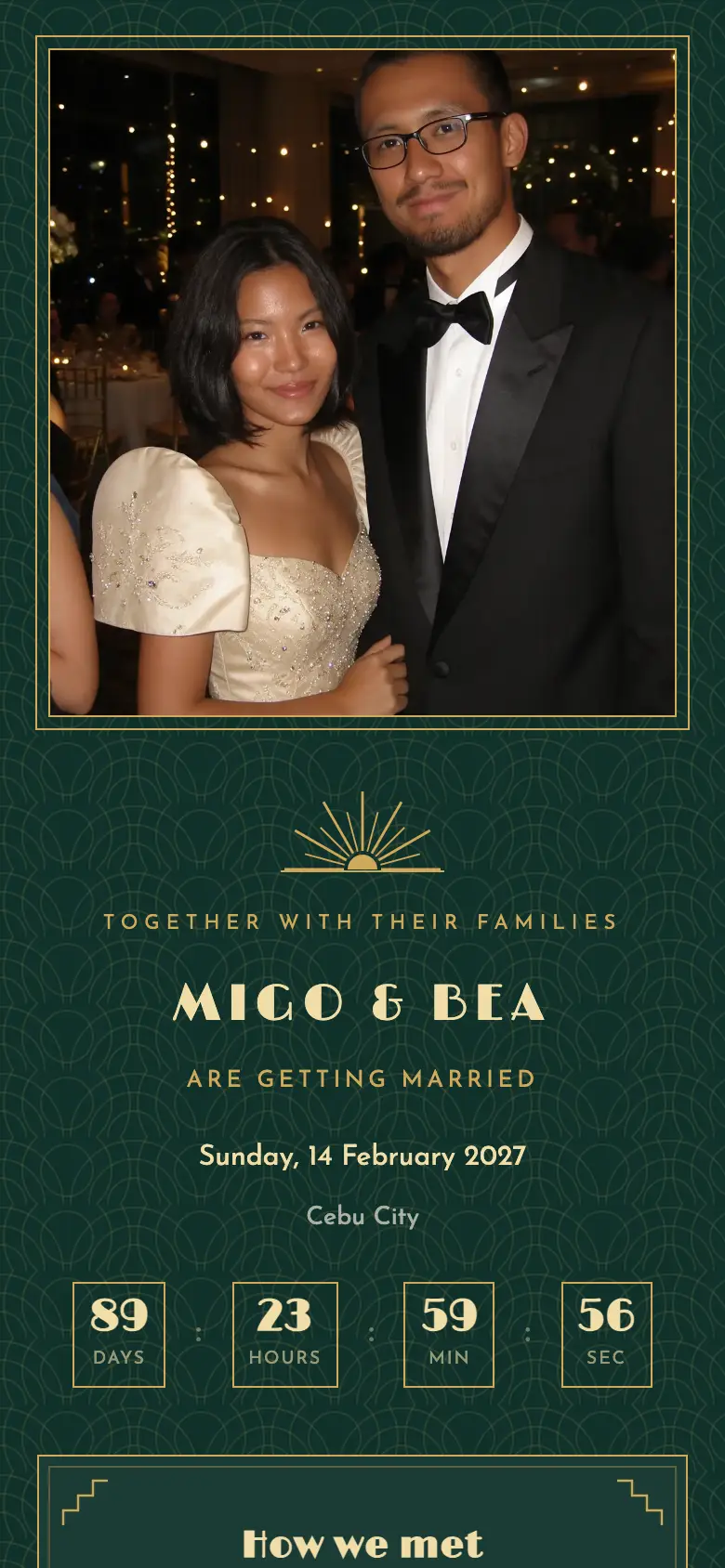

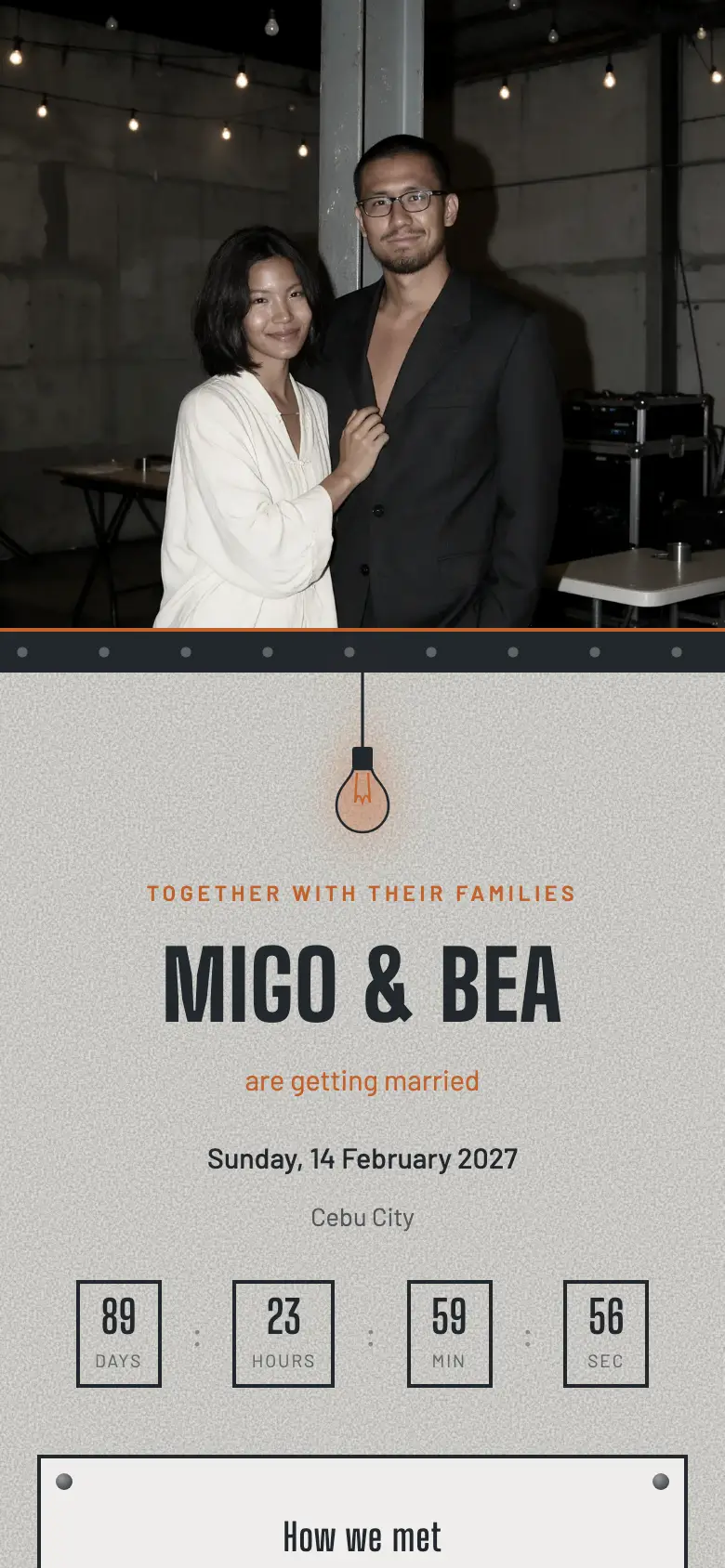
From the memo to the registration desk
What a company event needs that a Viber poll cannot give you.
One sign-up link
Employees register themselves
- Name and department
- Plus-one if allowed
- Dietary notes for the caterer
- Pro: public sign-up link
Tables by team
Drag departments onto tables
- Table 1: Management
- Tables 2 to 4: Sales
- Head table: awardees
- Print for the registration desk
Event Snaps
A camera for every employee
- QR on every table
- 10 shots each, no download
- Live wall on the LED screen
- Album download for HR after
What a company event invitation should say
The event name and the occasion, the date, the call time and the venue with a map link and parking or shuttle notes, the dress code or theme, whether plus-ones are allowed, and the RSVP deadline the venue has given you. For a year-end party, add the exchange-gift budget and the raffle rules on the same page so the memo does not have to be re-sent.
Share one public link in the company group on Pro and let each employee sign up with their name and department; HR sees the headcount by team as it grows. A week before the deadline, filter to pending and send one reminder. On the day, print the list by table for the registration desk.
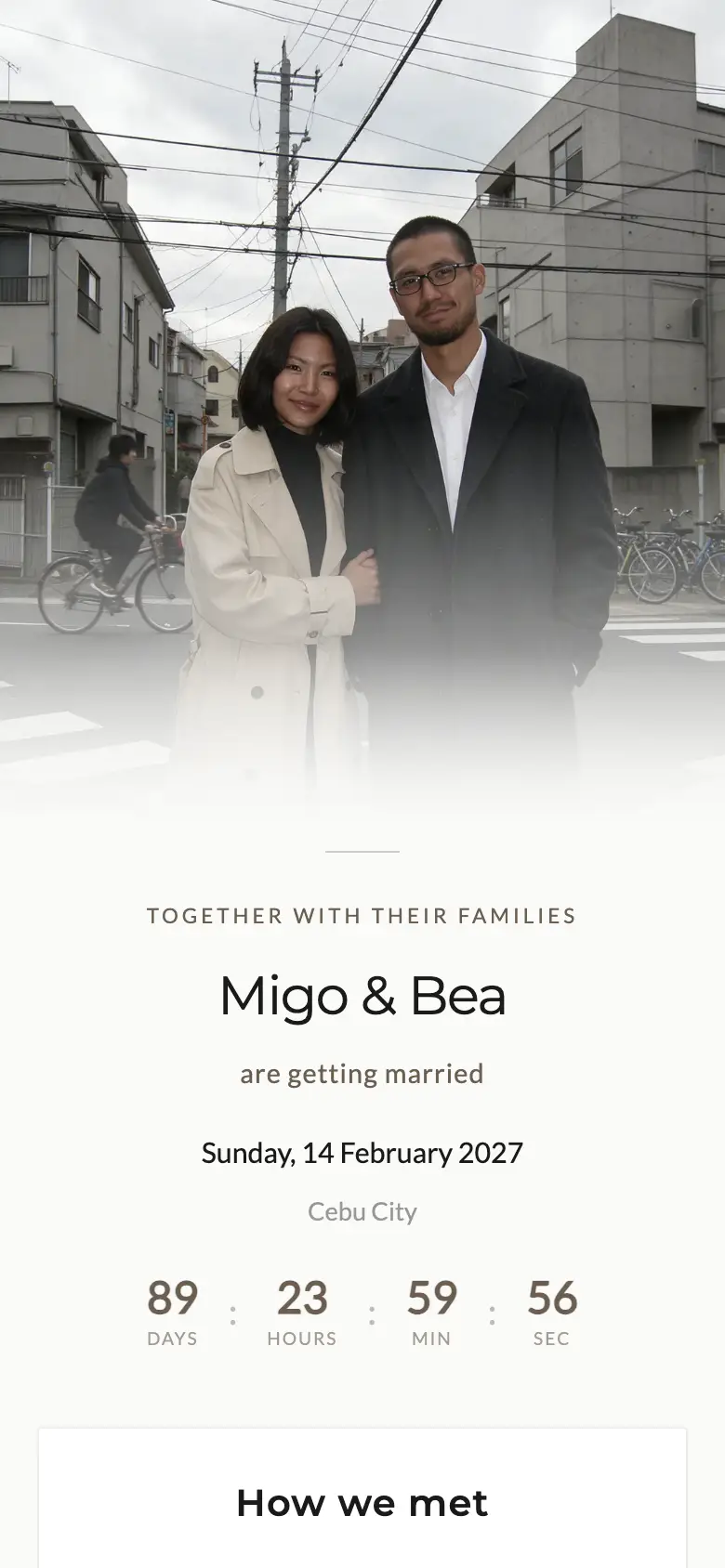
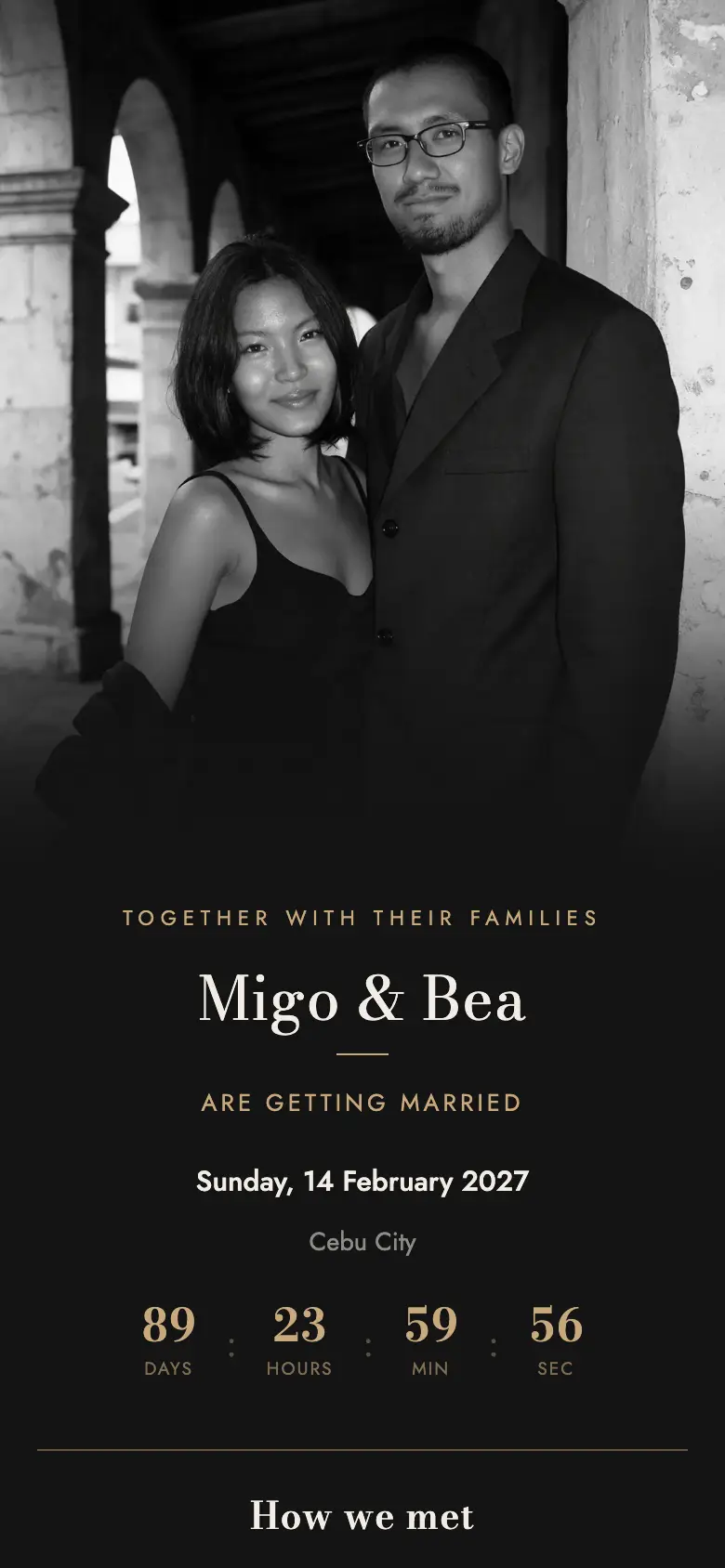
How to run the event on kaganapn
-
01
Share one sign-up link
Post it in the company group. Employees register themselves with their department and plus-one on Pro; on Plus, send personal links.
-
02
Pick a style in the brand colours
Modern Minimal or Foundry for a launch, Manila Deco for an awards night, Parol Noche for the year-ender.
-
03
Seat by team and print the list
Tables by department, a head table for awardees, and an export for the venue, the caterer and the registration desk.
Most company events need
Pro
₱1,299, once
The public sign-up link, unlimited guests and Event Snaps with the live photo wall are all on Pro. A small invite-only dinner for clients fits Plus, with up to 150 guests and the export for the venue. Compare plans
Corporate event questions
Can employees RSVP without HR typing every name?
Yes, on Pro: share one public link in the company group and each person signs up with their name and department. On Free and Plus, add names and send personal links, which suits a smaller invite-only event.
Can I export the attendee list for the venue and the caterer?
Yes, on Plus and Pro: a spreadsheet with every reply, plus-one, dietary note and table assignment, ready for the venue, the caterer and the registration desk.
Does it handle a Christmas party and a product launch the same way?
Yes. Pick the template that fits (Parol Noche for the year-ender, Foundry or Modern Minimal for a launch, Manila Deco for an awards night), and the RSVP, seating and Event Snaps work the same.
Can we put our company colours and logo on the page?
Your four motif colours recolour any style, so the page can match the brand palette. A logo in the hero and a custom domain are on the roadmap.
How is it priced for a company?
Per event, not per seat: Plus is ₱499 for up to 150 guests, Pro is ₱1,299 for unlimited guests, the public sign-up link and Event Snaps. No subscription, so a one-off party costs one payment.
Works with the rest of your plan
Run the company event from one link
Free to try. Pro for the public sign-up link and Event Snaps.
Start free